Leaderboard
-

Garrett Duke
VeteranPoints5,213Posts -

Skipper Duke
Active MemberPoints6,690Posts -
-
Hobie Hartkins
VeteranPoints6,872Posts




Popular Content
Showing content with the highest reputation on 12/19/2022 in all areas
-
A-Z Game
Boss JD Hogg reacted to RogerDuke for a post in a topic
1 pointLucas K Duke...VIETNAM VET (Edit: just noticed High Octane in the last post. Coincidentally, that's where Luke's middle initial was revealed)1 point -
real or not?
RogerDuke reacted to Hobie Hartkins for a post in a topic
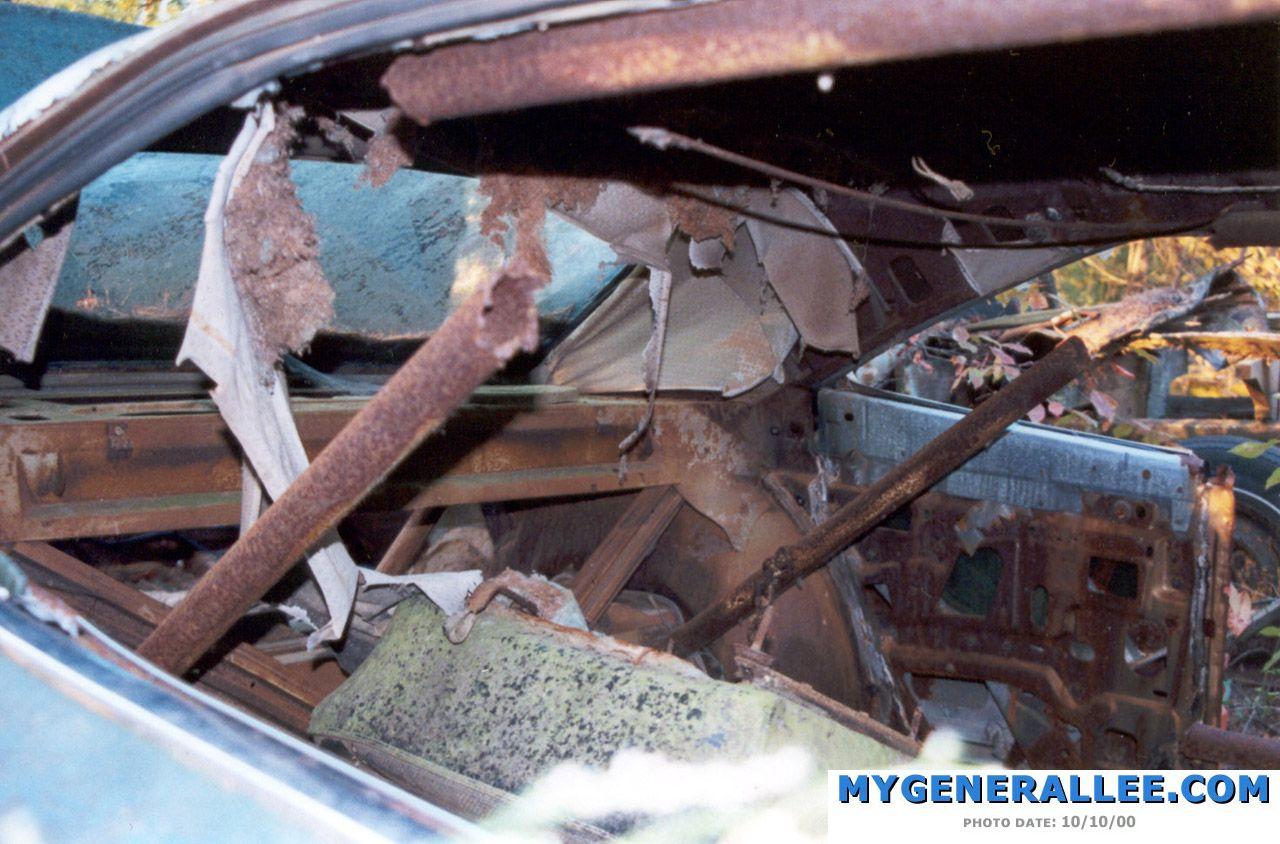
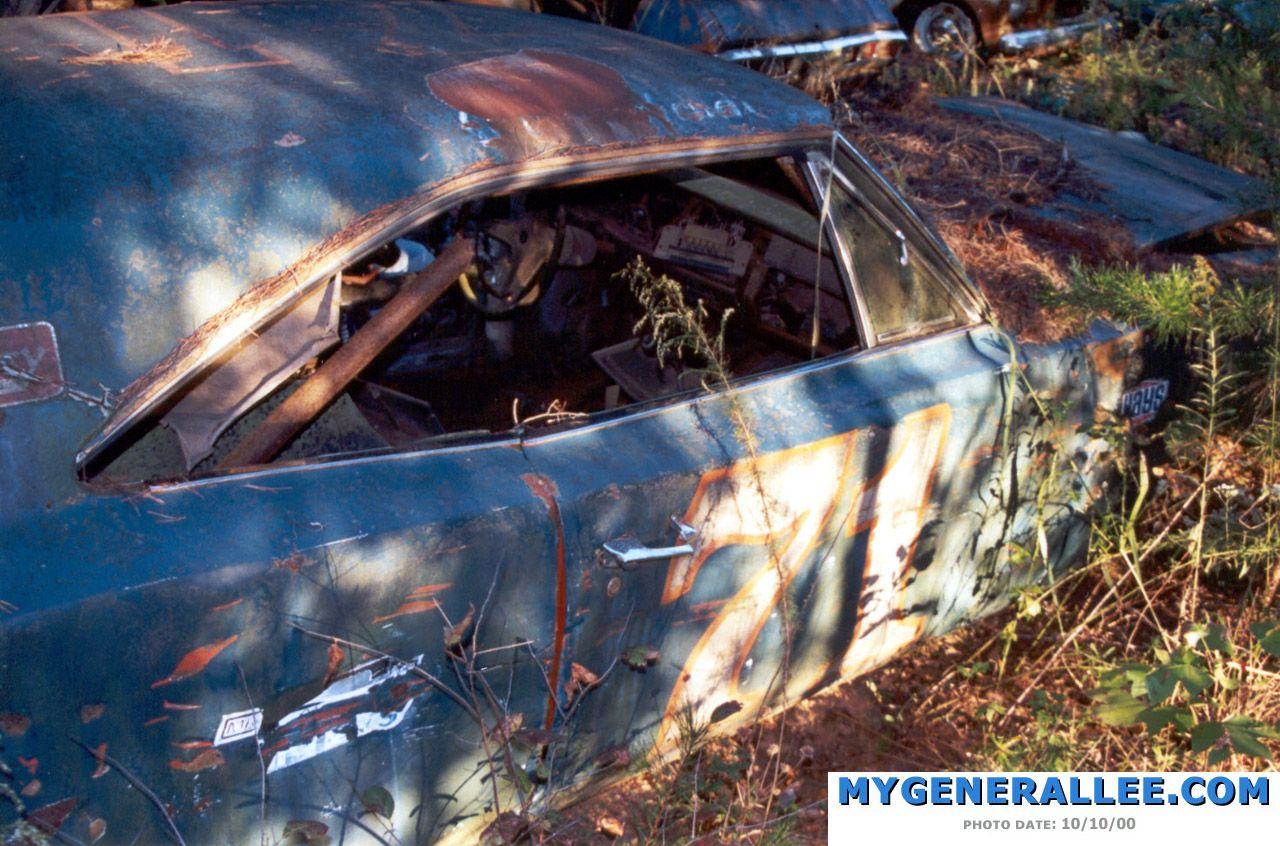
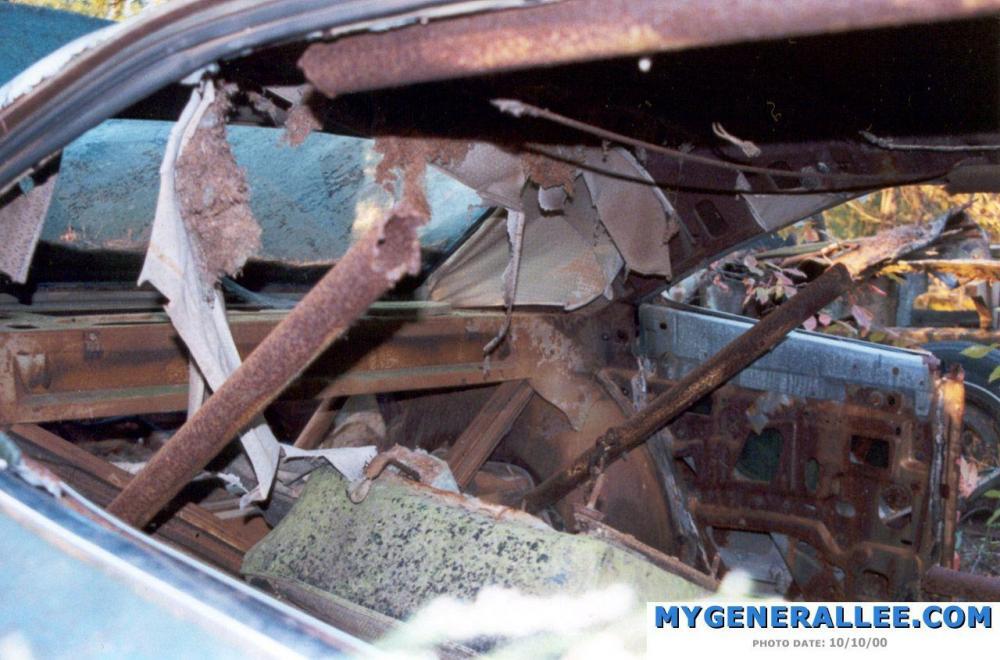
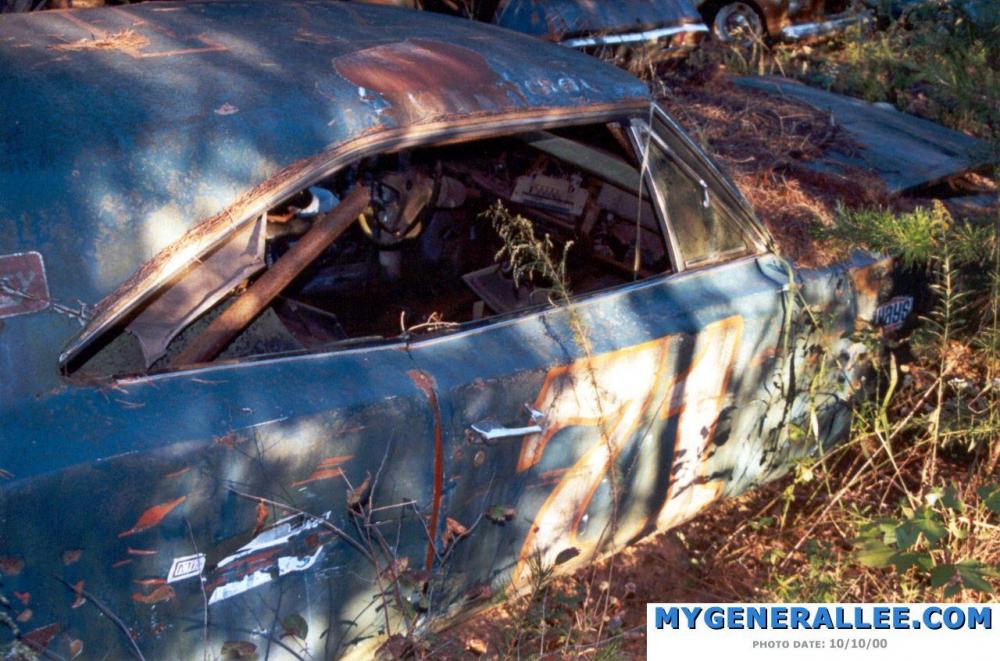
1 pointHey welcome to the board! great pics right there. It's a shame to see one in that kind of shape though.1 point -
1 pointJRC99 Only the section behind the seat was removed from Lee 1 and used. The rest of the cage remained in Lee 1. You can see the missing section in the recovery photos.
 1 point
 -
NASCAR news
RogerDuke reacted to Garrett Duke for a post in a topic
1 pointIt's like this every off season for me...at least it's off season isn't as long as my Cubs off season. Baseball and NASCAR season is my happy time.1 point -
1 point
-
NASCAR news
RogerDuke reacted to Garrett Duke for a post in a topic
1 pointOh no...not at all. It just can't get here soon enough!1 point -
NASCAR news
RogerDuke reacted to Skipper Duke for a post in a topic
1 pointNot that you are counting cuz. Lol1 point -
NASCAR news
Spike reacted to Garrett Duke for a post in a topic
1 pointJust 65 more looooonnnnnnggggggg days...1 point