Skip to content
View in the app

A better way to browse. Learn more.

Dukes of Hazzard Forums - HazzardNet.com

A full-screen app on your home screen with push notifications, badges and more.

To install this app on iOS and iPadOS
  1. Tap the Share icon in Safari
  2. Scroll the menu and tap Add to Home Screen.
  3. Tap Add in the top-right corner.
To install this app on Android
  1. Tap the 3-dot menu (⋮) in the top-right corner of the browser.
  2. Tap Add to Home screen or Install app.
  3. Confirm by tapping Install.

All Activity

This stream auto-updates

  1. Past hour

  2.    Skipper Duke reacted to a post in a topic: Legend TV UK is airing Dukes!
  3. Today

  4. Dukes Trivia: After the first 5 episodes in Georgia, when the show moved to California, Cooter drank Coffee or Root Beer instead of Beer at the Boars Nest. True or False?
  5. Dukes Trivia: In Season 5, The New Dukes, how many years have passed since Coy and Vance were last in Hazzard?
  6. Dukes Trivia: What is Deputy Enos Strate's Favorite thing to drink at the Boars Nest? Bonus Points and Extra Credit: How does he order it?
  7. Meadowmufn 😂
  8.    Skipper Duke reacted to a post in a topic: New Hazzardnet
  9. DUKE family
  10.    Skipper Duke reacted to a post in a topic: A-Z Game
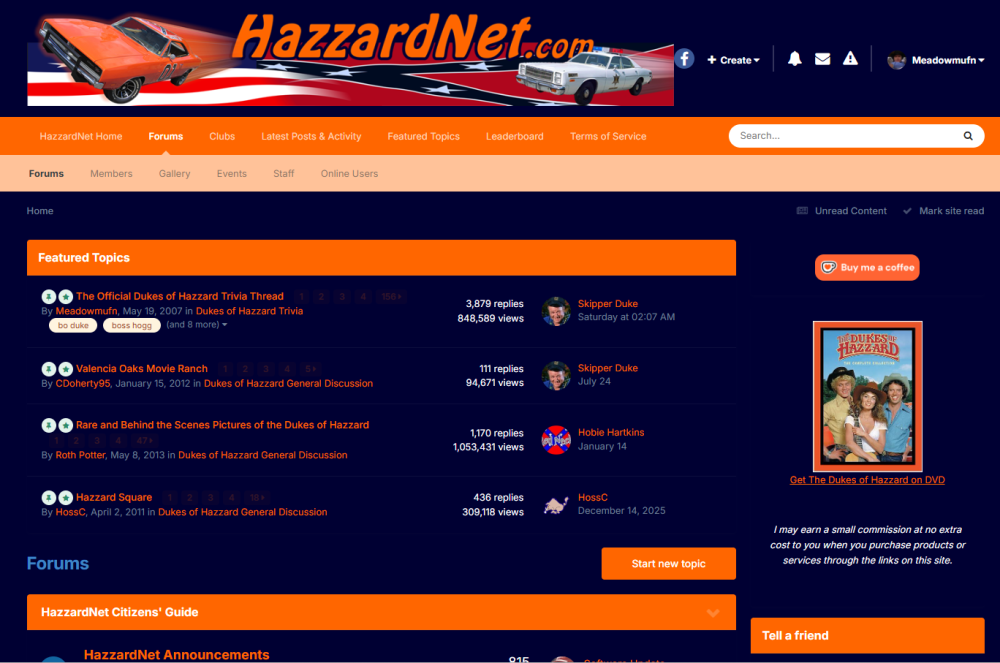
  11.    Skipper Duke reacted to a post in a topic: A-Z Game
  12.    Skipper Duke reacted to a post in a topic: A-Z Game
  13.    Skipper Duke reacted to a post in a topic: Word Association
  14. Wow Meadowmufn that's cool. 😀
  15.    Skipper Duke reacted to a post in a topic: R. I. P. Dolly Parton (1946- 2026)
  16. Thanks. It was not easy. About half a dozen times the upgrade broke and I had to run database updates manually. If I was not a technologically adept person, I would have torn all my hair out. But, HazzardNet is now ✨Modernized✨ and living in the 21st century with the rest of us. 😊 And I am not bald. 🤣
  17.    Meadowmufn reacted to a post in a topic: New Hazzardnet
  18. Excellent job Meadowmufn! 😀 👏
  19. Yesterday

  20. 9 To 5 was my anthem when I was working in tech and was burned out. LOL. Some days, it was the only thing keeping me going. RIP Dolly.
  21. Legend TV in the UK is airing the Dukes of Hazzard! LEGENDHome to action-packed movies and series, LEGEND will take you on epic adventures. From nostalgic classics to modern gems, whatever keeps you at the edge of your seat... LEGEND has it. Watch now on Sky
  22.    Meadowmufn reacted to a post in a topic: New Hazzardnet
  23. Tammy Wallen joined the community
  24. I like the new Hazzardnet. It's easier to read now. 😀
  25. Well, I finally updated the forums to the latest version. The company that makes the software was going to stop supporting it by the end of the year. It looks a lot different, so it will take some getting used to. I will probably be making changes here and there to settings, colors, layout, etc for a bit. If you run into any problems or you have any suggestions, please add them here or PM me. We're dragging HazzardNet kicking and screaming into the future! 🤣 RIP Old HazzardNet. You served us well. We'll miss you!
  26. C00TER knew more about cars than anyone in Hazzard Countty!
  27. communication ( We have communicated through ink, for hundreds, if not thousands of years !! )
  28. Last week

  29.    Hobie Hartkins reacted to a post in a topic: R. I. P. Dolly Parton (1946- 2026)
  30. Just after Dolly's death was announced last week, the King's Guard performed a tribute outside Buckingham Palace.
  31. Any James McLendon fans here? I have Eddie Macon's Run.
  32. Any Stephen King fans here? I have Christine.
  33. Any Clive Cussler fans here? I have 2 of his books. Raise The Titanic and Pirate.
  34. BOSS BIG BILLIE tucker
  35. RogerDuke replied to Skipper Duke's topic in Movies
    What a strange coincidence. My wife is watching it right now. I'm using another TV to watch MotoGP motorcycle racing.


Account

Navigation

Search

Search

Configure browser push notifications

Chrome (Android)
  1. Tap the lock icon next to the address bar.
  2. Tap Permissions → Notifications.
  3. Adjust your preference.
Chrome (Desktop)
  1. Click the padlock icon in the address bar.
  2. Select Site settings.
  3. Find Notifications and adjust your preference.