Skip to content
View in the app

A better way to browse. Learn more.

Dukes of Hazzard Forums - HazzardNet.com

A full-screen app on your home screen with push notifications, badges and more.

To install this app on iOS and iPadOS
  1. Tap the Share icon in Safari
  2. Scroll the menu and tap Add to Home Screen.
  3. Tap Add in the top-right corner.
To install this app on Android
  1. Tap the 3-dot menu (⋮) in the top-right corner of the browser.
  2. Tap Add to Home screen or Install app.
  3. Confirm by tapping Install.

Leaderboard

Popular Content

Showing content with the highest reputation on 12/28/2020 in Posts

  1. Merry Christmas 2020!

    Hobie Hartkins reacted to RogerDuke for a post in a topic

    1 point
    I just got a late Christmas present, the book "Them Dukes! Them Dukes" written by Billie Rae Bates. This thing is 414 pages and at first glance looks fantastic. I'm so excited. I'll read every word of it. I was also told that I am getting something in the mail autographed by John Schneider but it didn't make it before Christmas. The exciting anticipation will definitely delay my usual annual post-Christmas blues.
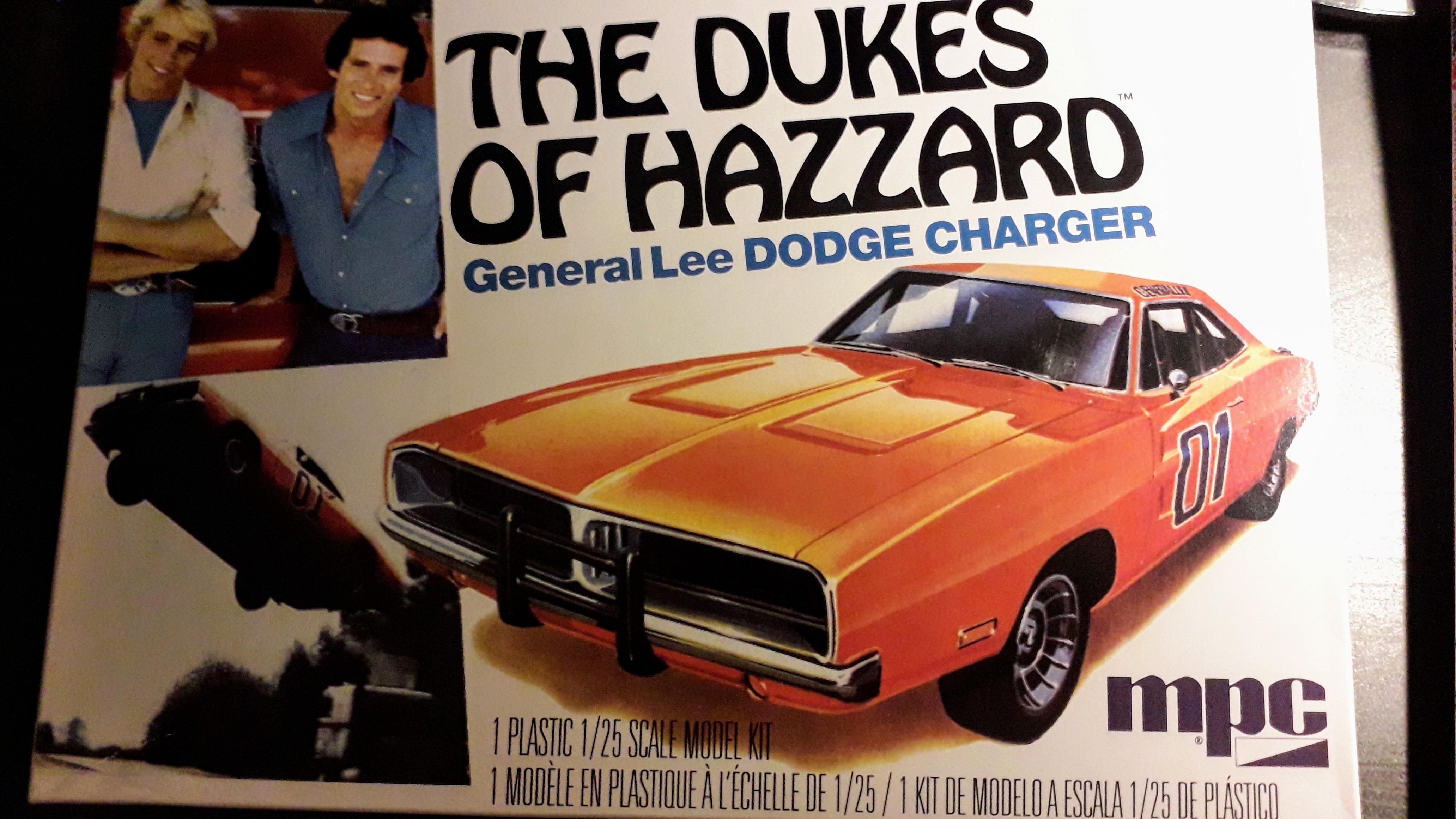
  2. 1/25 MPC General Lee kit

    RogerDuke reacted to JHDuke for a post in a topic

    1 point
    Yup, that’s it!
  3. Word Association

    RogerDuke reacted to Hobie Hartkins for a post in a topic

    1 point
    The Fifth ( In a trial I'll take it and at the car lot, I'll drink it!)

Account

Navigation

Search

Search

Configure browser push notifications

Chrome (Android)
  1. Tap the lock icon next to the address bar.
  2. Tap Permissions → Notifications.
  3. Adjust your preference.
Chrome (Desktop)
  1. Click the padlock icon in the address bar.
  2. Select Site settings.
  3. Find Notifications and adjust your preference.