



Leaderboard
-
-
Roth Potter
VeteranPoints1,986Posts -
Boss JD Hogg
VeteranPoints1,748Posts


Popular Content
Showing content with the highest reputation on 02/13/2019 in Posts
-
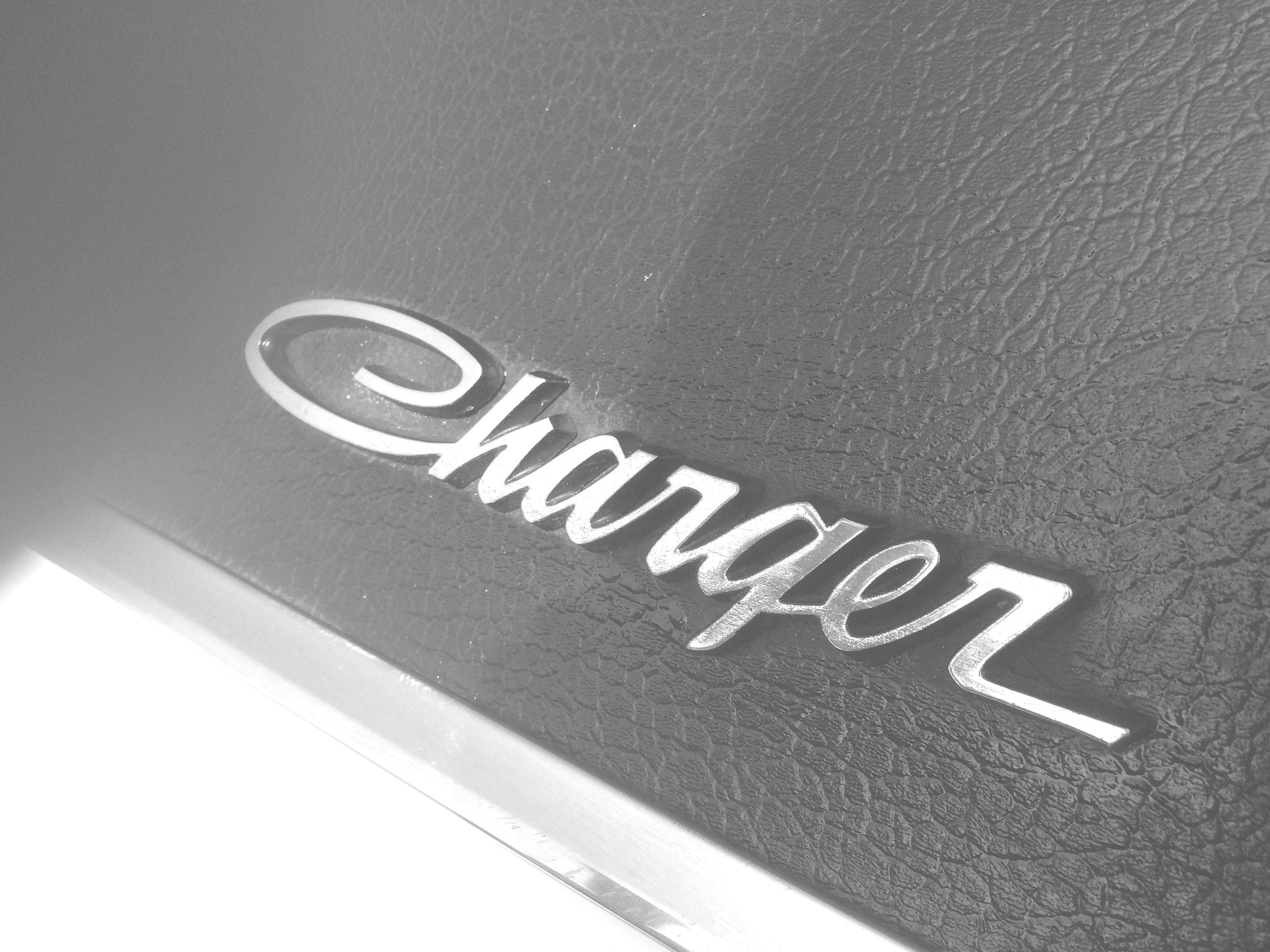
1,000HP 1968 Dodge Charger
Hobie Hartkins reacted to RogerDuke for a post in a topic
1 pointThe General was black before he was orange. I wonder if 'ol Cooter still has any of that orange paint left. Remember when Daisy said " I'll paint that flag. I just love that flag!" I bet we can talk her into doing another.1 point -
The last 24 hours
Skipper Duke reacted to RogerDuke for a post in a topic
1 pointI saw that on the national news. As long as you've got your DOH videos and your electric is still on you'll be fine. Keep us updated .1 point -
1,000HP 1968 Dodge Charger
Hobie Hartkins reacted to RogerDuke for a post in a topic
1 pointFantastic! Thanks for sharing this. I'd still put my money on the Duke boys in the General Lee on the dirt roads of Hazzard County. This car might be 1000 HP but the General is 2 DP (2 Duke Boy Powered)1 point -
1,000HP 1968 Dodge Charger
Hobie Hartkins reacted to Roth Potter for a post in a topic
1 pointYes, its my least favorite feature. Its why I didnt mention it.1 point -
RIP Burt Reynolds
Hobie Hartkins reacted to Boss JD Hogg for a post in a topic
1 pointMy wife and I watched Smokey and the Bandit on Saturday and watched The Cannonball Run yesterday. These are 2 of my favorite movies. Burt Reynolds made the best movies. He'll be missed.1 point