Rosco83522
Member
-
Joined
-
Last visited
Everything posted by Rosco83522
-
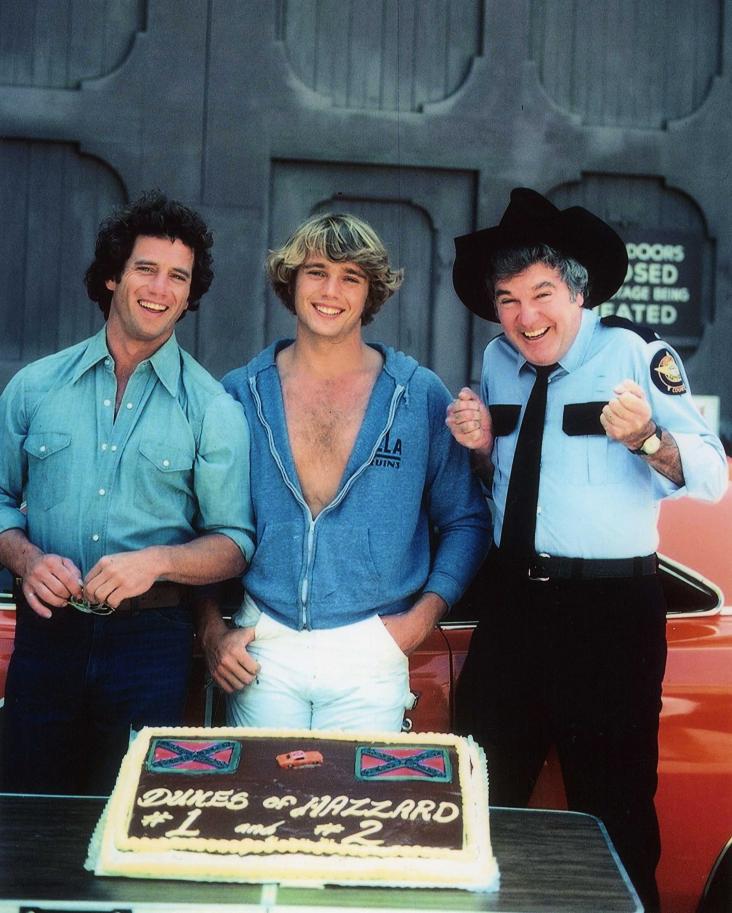
I don't remember for sure when but it was either season 1 or 2 and they were showing the Dukes twice a day so they ended up coming in 1st and 2nd in the Nelson ratings for that week.
-
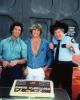
There are a lot more pics of Tom with Dennis here, https://www.facebook.com/media/set/?set=a.354401034581837.94353.183806768307932&type=1
-
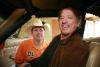
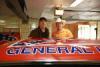
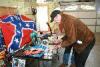
My friend Dennis McVay got Tom to stop at his house on his way to the Canton show!!
-
-
-
I heard somewhere that the Starsky & Hutch Torino Cooter drove was a leftover from filming the series. I thought John said this in an interview somewhere, possibly in the series DVD extras?
-
I can't remember what episode it was, but it was back in '84 when I first seen it. My mom said "hey, come watch this show, they crash a bunch of cars!" Never missed a show after that and I was about 13 at the time. Not long after that Catherine came to a local car show and my dad took me, that's when I found out she and I were born on the same day.
-
Hey Tim, If it does snow and you need help cleaning the car or setting up let me know. If not, I'm sure i'll see you there!
-
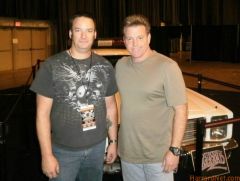 Not a Dukes actor but I did get him to sign my dash!
 -
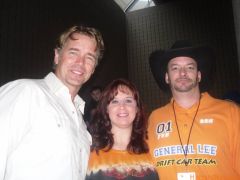 John, my wife and me.
 -
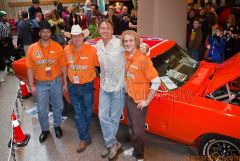 Myself, Dennis, John and Cameron.
 -
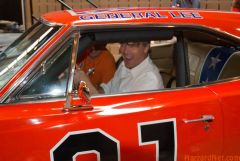 YEE HAW
 -
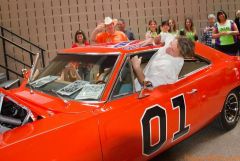 John jumping in the window. He said it's a whole lot harder when there's a full cage. We have video of this at 01fun dot net
 -
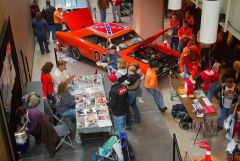 I was there the whole weekend with my friend Dennis and his General. I'm the guy in front of the stage with the black cowboy hat.
 -
-
-
-
-
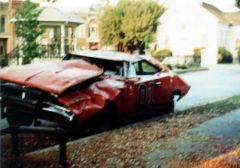
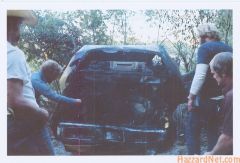 Crew and stuntmen looking over what was left of Daisy's car!
 -
-
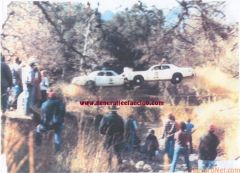
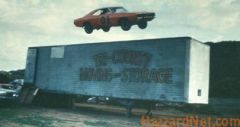 The semi trailer jump where Corey Eubanks got hurt.
 -
-
-
-