dukesrule2000
Member
-
Joined
-
Last visited
-
-
Hi Try E-bay. They have his Learning to Love CD there now. when you get there Just Type in Tom Wopat and it should take you to the listings. e-bay.com
-
-
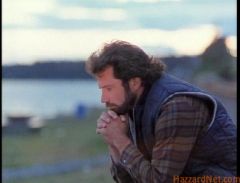 This is My favorite scean in the movie.
 -
-
-
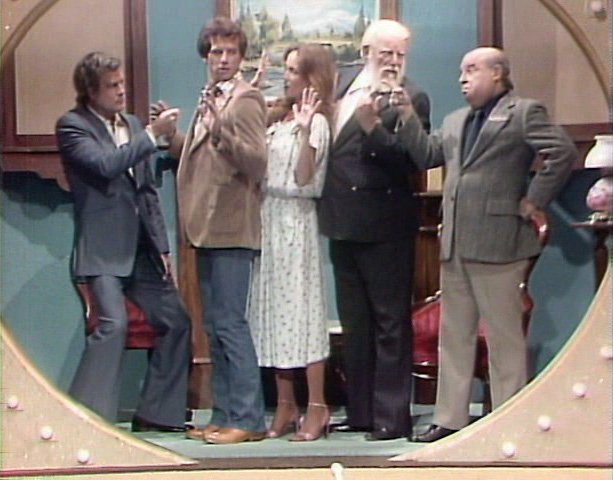
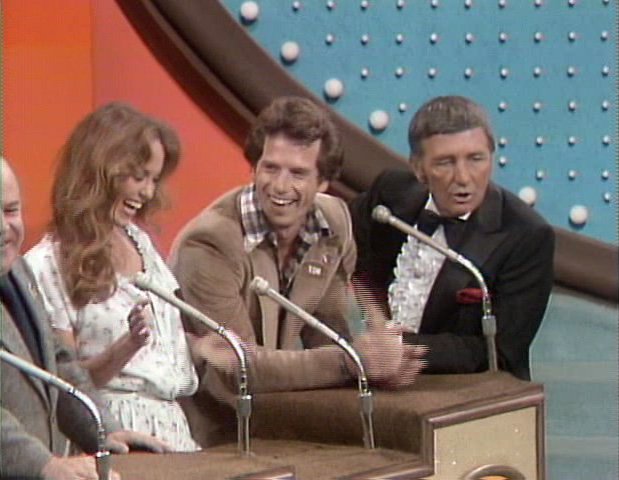
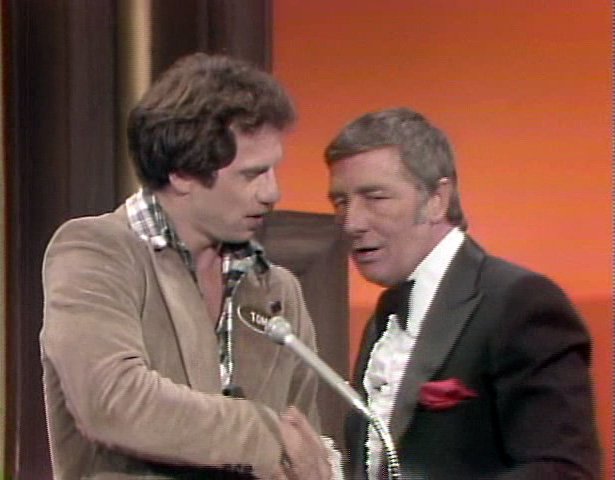
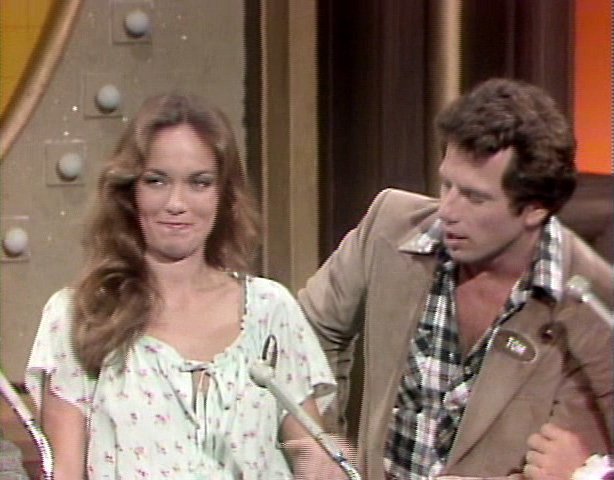
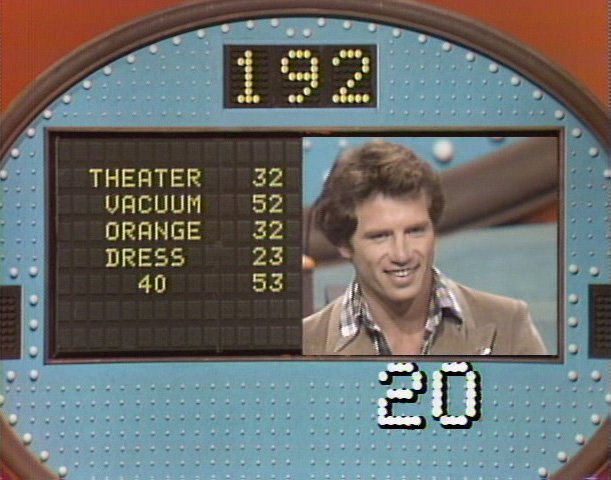
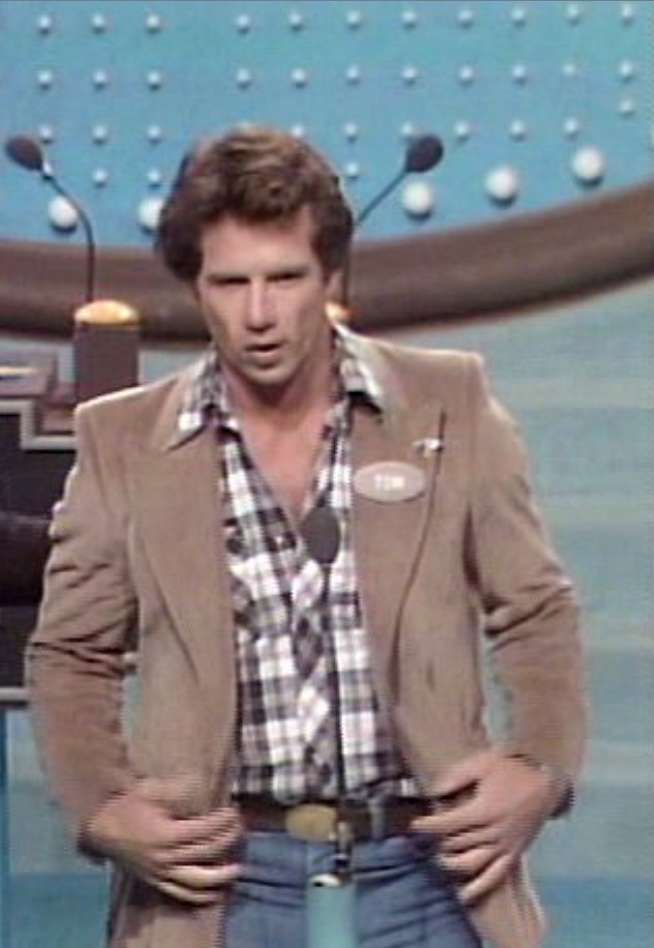
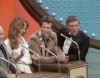
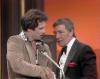
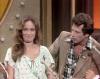
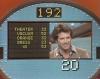
Here are some more pictures with Family Fude.
-
The last picture is when he was on Family fude. Cathy, Mr.Pyle, Mr.Brooke and Mr. Best was on it with him. and they won. the big money. I think they were playing for the Spicail Olimpics. If I spelled it wrong Sorry.
-
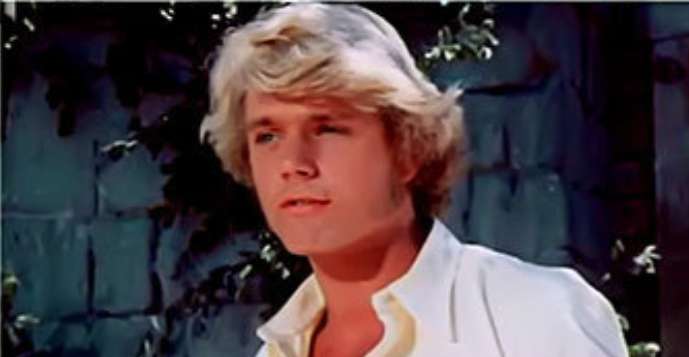
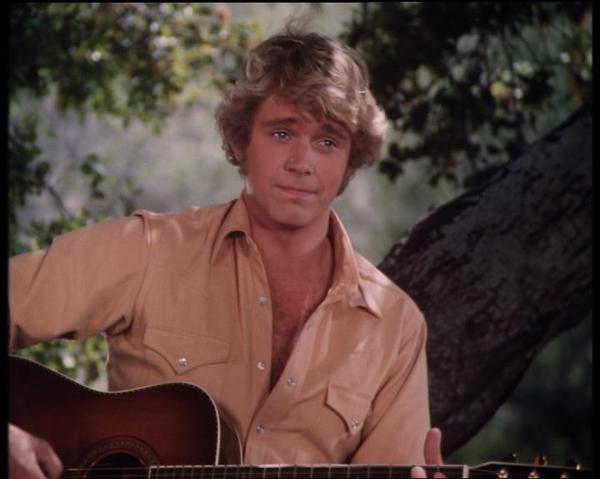
Here are some of my John Pictures.


-
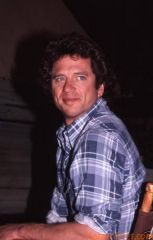
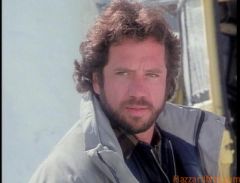
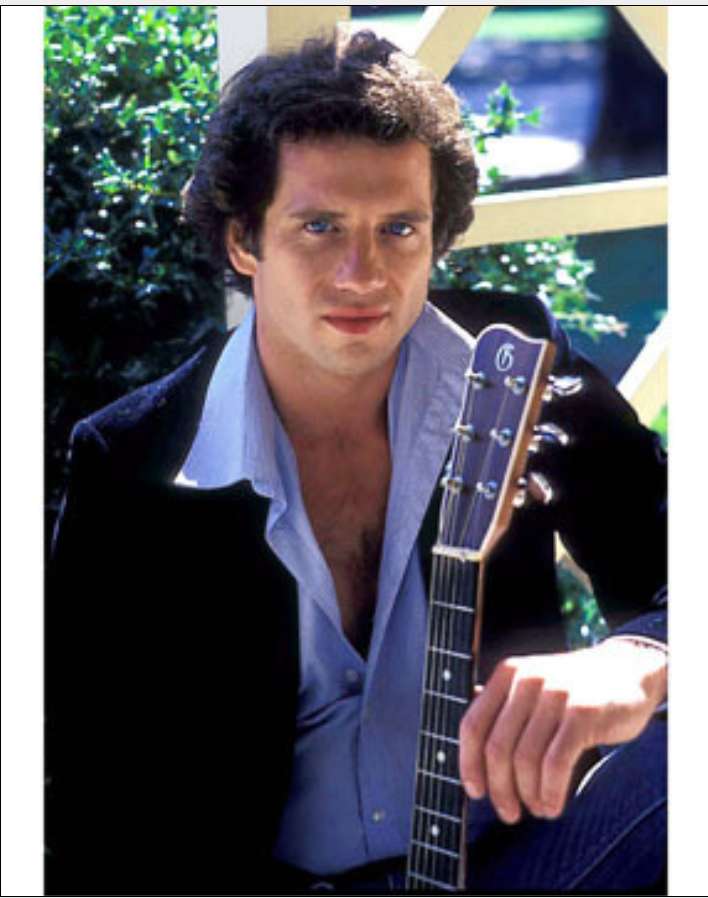
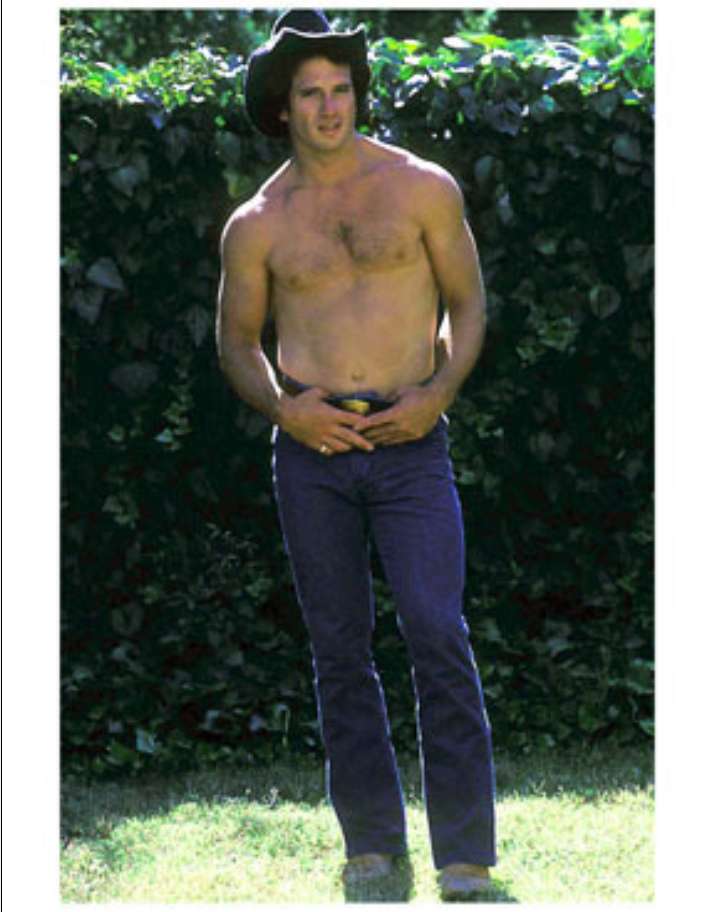
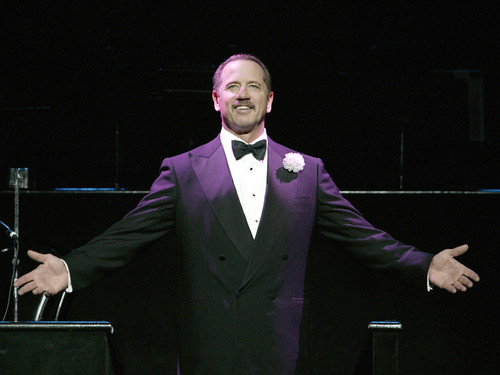
Here are some more pictures of Mr. Wopat. Hope you all like them. Let me know what you think.

-
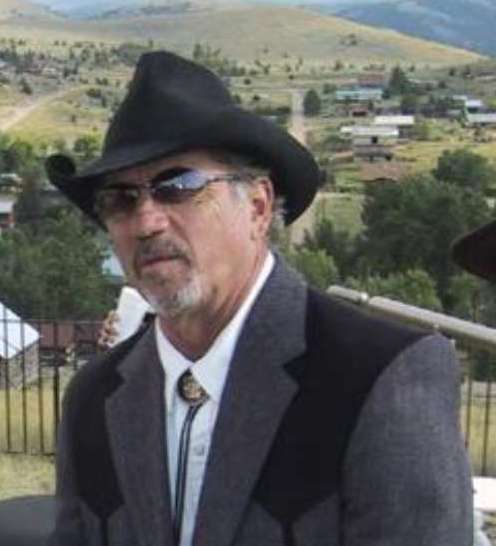
Thanks, The one with him wairing the cowboy hat and sunglasses is from a movie he was in last year called taking Chance... and that is one of my favorite pictures. that I have of Tom.
-
My favorite non-Duke is Cooter and Enos.
-
Jesse 90 Luke 10
-
Here are some more pictures/




-
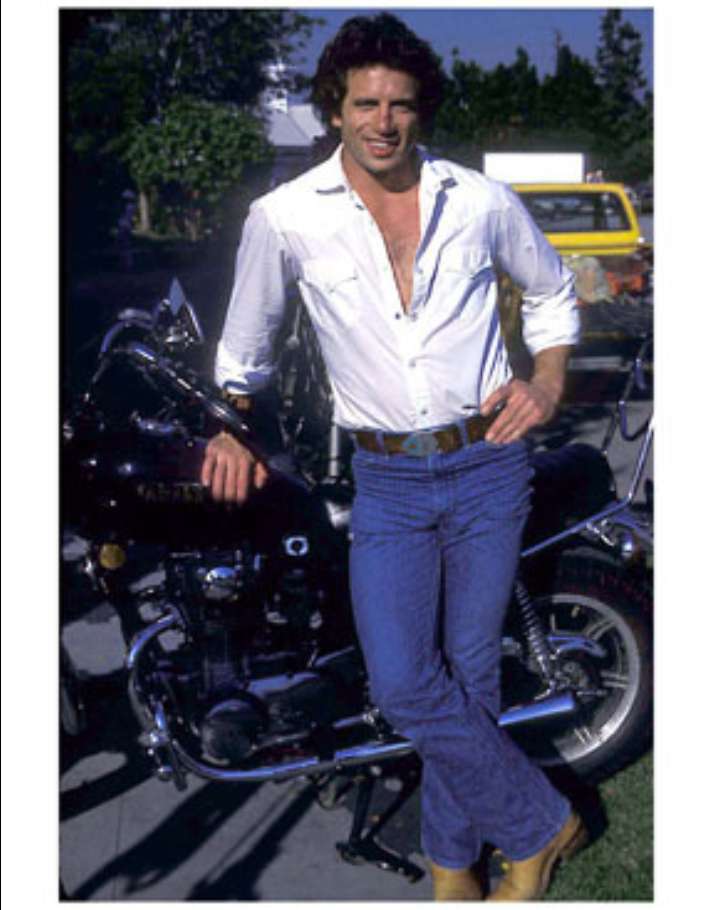
I just love pictures of Tom with his Motorcycle. I have a few more of him with his Motorcycle also. Like I said I have alot of pictures of Tom.
-
Ok, I wll Have to look threw my pictures. and see what I can find . and then I will post them.