



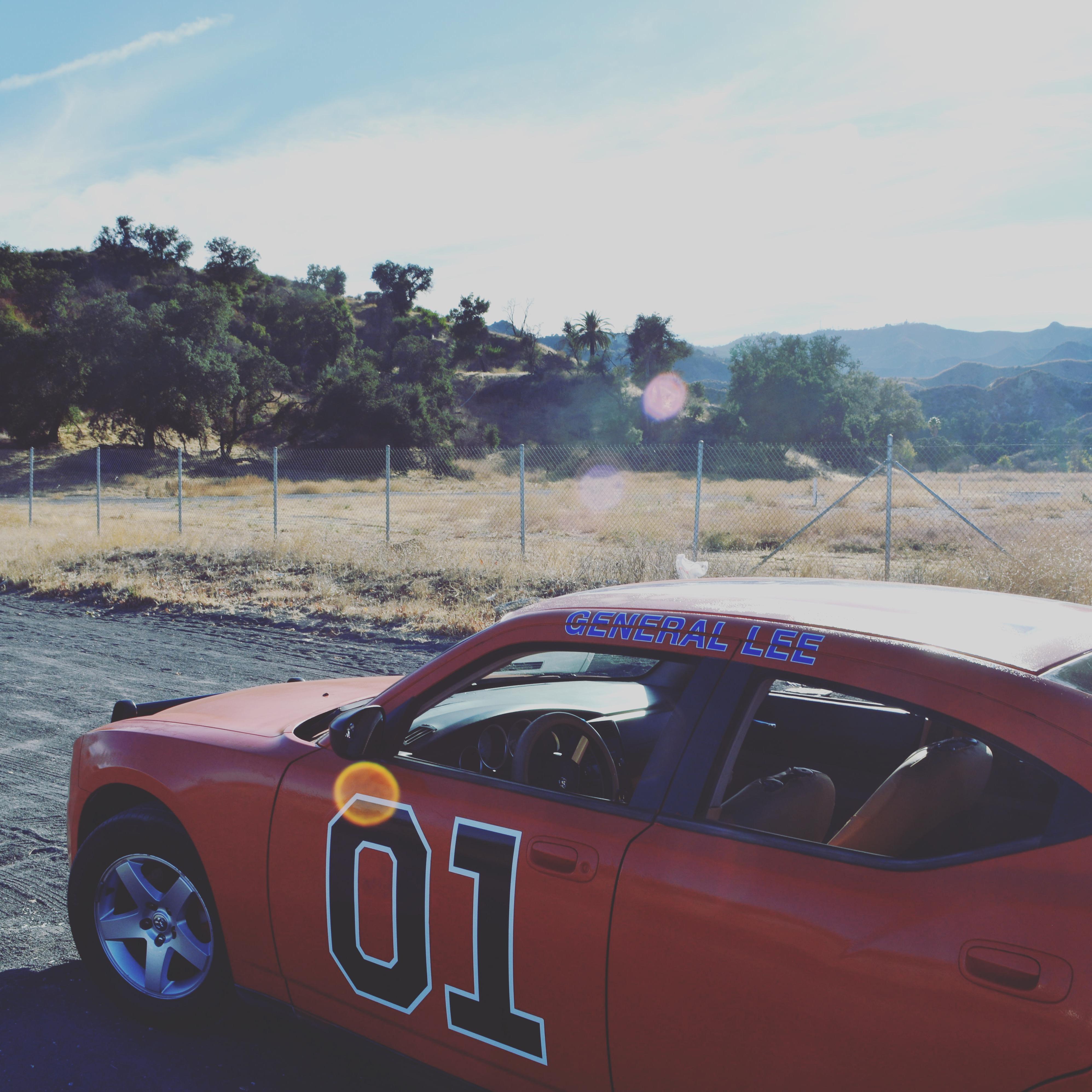
thegenerallx
Member
-
Joined
-
Last visited
Everything posted by thegenerallx
-
Thanks for the welcome! And if you could send me the locations it would be much appreciated, I would like to eventually visit all the locations and hopefully answer people that may have questions about the locations as I can visit them often while others can’t. And same here, mostly using google maps except when I visited Valencia Oaks Ranch which unfortunately is gated up now. I’m planning on making a large map eventually.
-
Awesome post Rob! I would lose my mind if I saw what you saw!
-
I know this thread hasn’t been posted to in a while but if anyone reads this and has any sort of maps or requests, I live not too far from Santa Clarita and visit regularly for Six Flags and the filming locations. If anyone ended up making a big listed map or if I missed one in the thread, I’d sure appreciate to see it! Great thread and thank you to everyone that put their time and information into it!
-
Hey all, I just purchased a set of old American Racing Vectors (14x7 & 15x7) and was wondering if anybody knew what the chances were that they were used on a screen used General Lee. I know on each of the screen used General Lees, the vin plate would have some sort of number stamp to indicate what number General Lee it was and wondered if there would be any similar stamp of serial number to indicate whether it was owned by Warner Bros or on a General Lee.

