



Leaderboard
-

-

Meadowmufn
AdministratorPoints2,826Posts


Popular Content
Showing content with the highest reputation on 01/29/2019 in Posts
-
40 Years of Dukes!
Skipper Duke reacted to Meadowmufn for a post in a topic
1 pointOops. I posted on the FB page, but not here.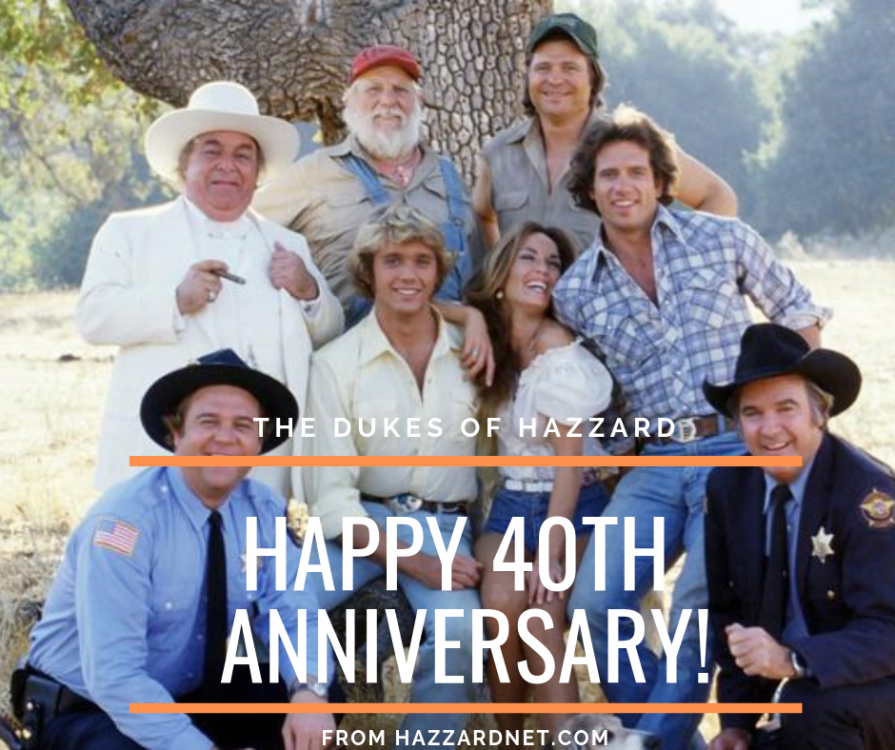 1 point
 -
40 Years of Dukes!
Skipper Duke reacted to HossC for a post in a topic
1 pointWell done for catching that, Roger, and so close on the heels of HazzardNet's 20th. Admittedly, we didn't get the show until March 3rd in the UK, but I'm happy to celebrate now. I'm pretty sure I saw the first show, or at least one of the Georgia episodes. The first run in the UK was shown at 9pm on a Saturday night, and I was only eight at the time, so I wasn't allowed to watch many of them. Luckily, the broadcaster soon moved the show to something like 5pm, and I could watch every week. Here's a title card for a new episode over a screengrab from 'One Armed Bandits':1 point -
Brotherly Love
Hobie Hartkins reacted to HossC for a post in a topic
1 pointThe old thread of least favorite episodes can be found here. There was a back story to why Luke never mentioned his brother (he thought Jud had died in a hospital fire at two weeks old), but it was pretty contrived. Even Luke said "I can't believe it." The appearance of cousins we'd never heard of before is easier to take. I've got cousins who I haven't seen for about 25 years, so they don't come up in conversation too often!1 point
