Skip to content
View in the app

A better way to browse. Learn more.

Dukes of Hazzard Forums - HazzardNet.com

A full-screen app on your home screen with push notifications, badges and more.

To install this app on iOS and iPadOS
  1. Tap the Share icon in Safari
  2. Scroll the menu and tap Add to Home Screen.
  3. Tap Add in the top-right corner.
To install this app on Android
  1. Tap the 3-dot menu (⋮) in the top-right corner of the browser.
  2. Tap Add to Home screen or Install app.
  3. Confirm by tapping Install.

di79mar

Member
  • Joined

  • Last visited

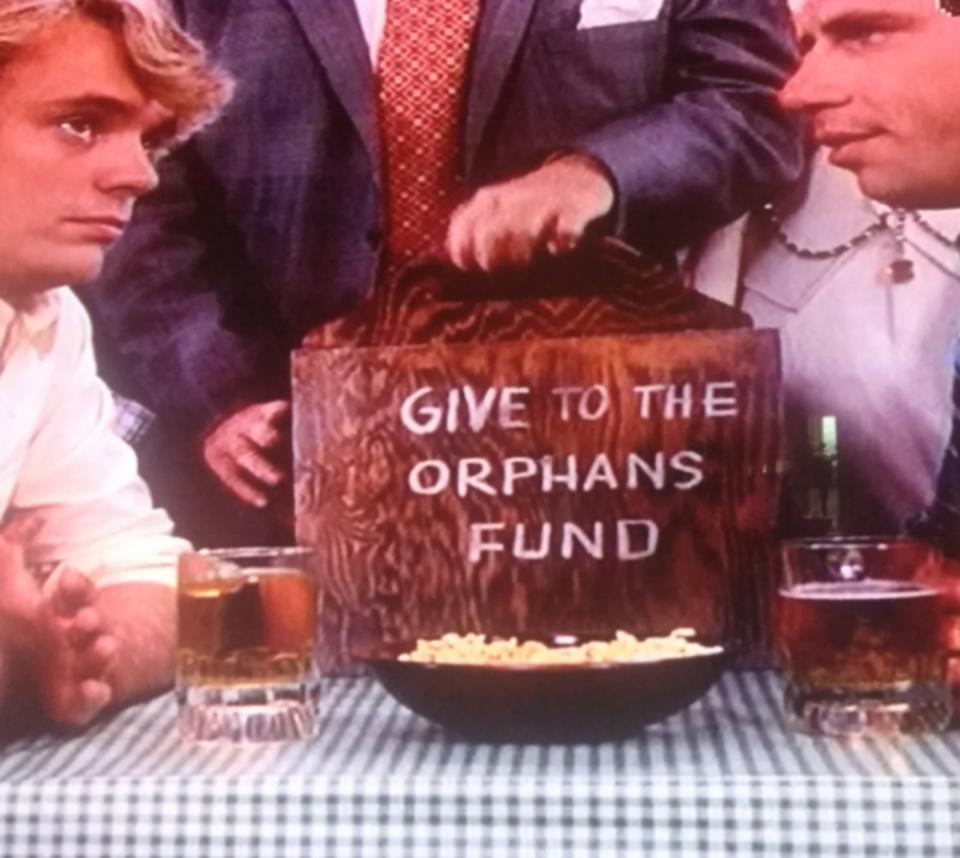
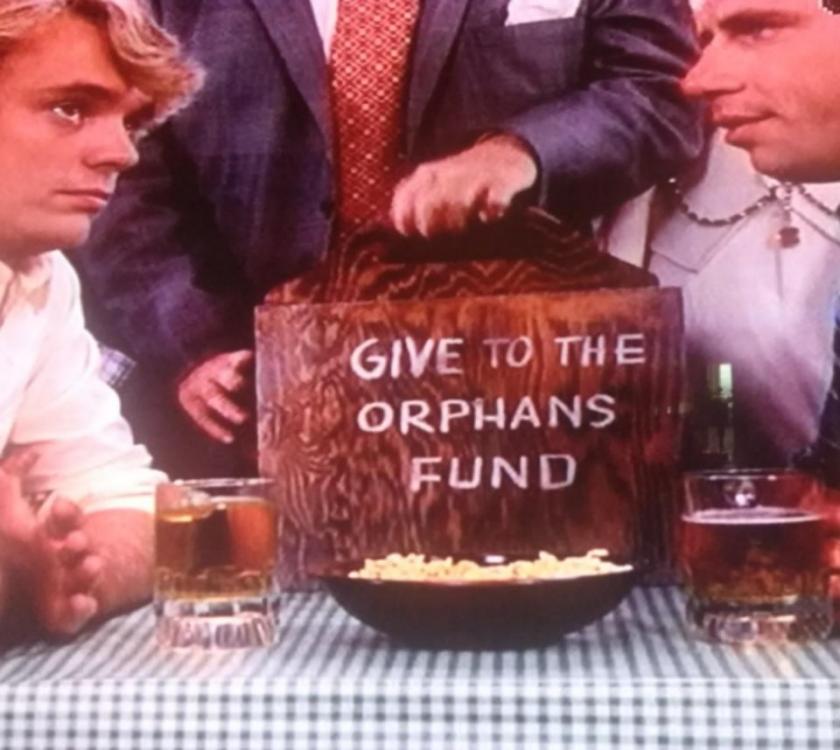
  1. That's it!! That was driving me nuts... But that is it for sure. Thanks so much for helping me find it. I'm hoping to make this exact box as it will be a fun gift and a nice addition to the many show "props" around our house! Thanks again and thanks for the welcome. ☺
  2. di79mar joined the community
  3. Hello... Hoping someone can help me figure out the episode when Boss uses a trick wooden box to make it look like Bo and Luke stole money? I believe it was Boss Hogg and a Priest pass around a charity fund box at the Boars Nest, there is a lever that makes the inside of the box flip so it looks like the money is gone. I can't for the life of me remember what episode this is... Thanks for helping me figure this one out!


Account

Navigation

Search

Search

Configure browser push notifications

Chrome (Android)
  1. Tap the lock icon next to the address bar.
  2. Tap Permissions → Notifications.
  3. Adjust your preference.
Chrome (Desktop)
  1. Click the padlock icon in the address bar.
  2. Select Site settings.
  3. Find Notifications and adjust your preference.