



Leaderboard
-

Meadowmufn
AdministratorPoints2,831Posts

Popular Content
Showing content with the highest reputation since 02/05/2007 in Records
-
Mary Kaye's Baby
RogerDuke reacted to Meadowmufn for a record
1 point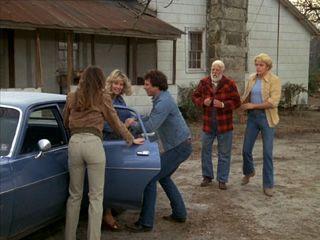 A pregnant woman and a suitcase full of stolen cash bring big trouble for the Dukes. When Bo and Luke pick up Mary Kaye Porter on a backroad, they think they’re just helping out a traveler on her way to Florida. Planning to slip her a little money for the trip, they open her suitcase—only to find it already stuffed with cash. Soon, they uncover the truth about Mary Kaye’s boyfriend and the dangerous company he keeps. Things reach a breaking point when Mary Kaye goes into labor—right as Atlanta gangster Quint McQuade shows up at the Duke farm demanding his money back.1 point
 -
Daisy's Song
RogerDuke reacted to Meadowmufn for a record
1 point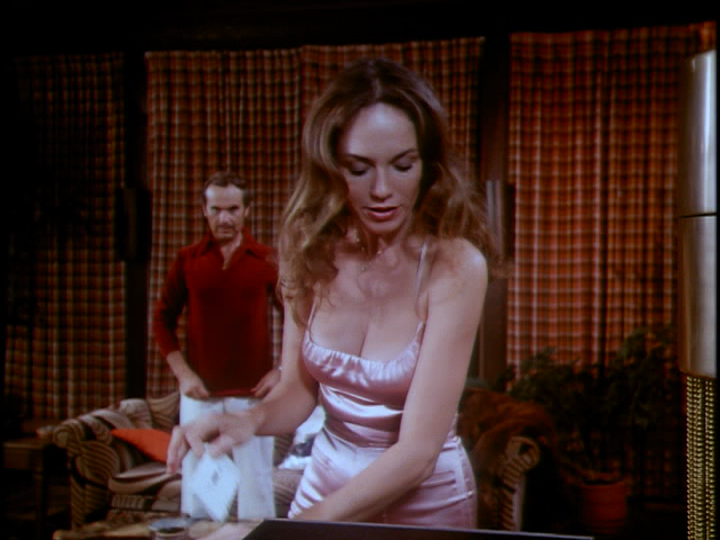 Daisy's dreams of becoming a songwriter take a hit when she hears her song on the radio—only it's not being sung by Jessi Colter, but by an impersonator. Sensing a scam, Bo and Luke head to Atlanta to investigate, only to discover that the recording studio is actually a front for a music piracy operation. Worse yet, Boss Hogg is involved, using the scheme to gain favor with the Syndicate. With the help of a motorhome full of “working girls” and a couple of dynamite arrows, the Dukes bring the operation crashing down. Though Daisy doesn’t get her fifty dollars back, she gets something even better—Jessi Colter herself wants to record her song for real.1 point