Mjoepfafr
Member
-
Joined
-
Last visited
Everything posted by Mjoepfafr
-
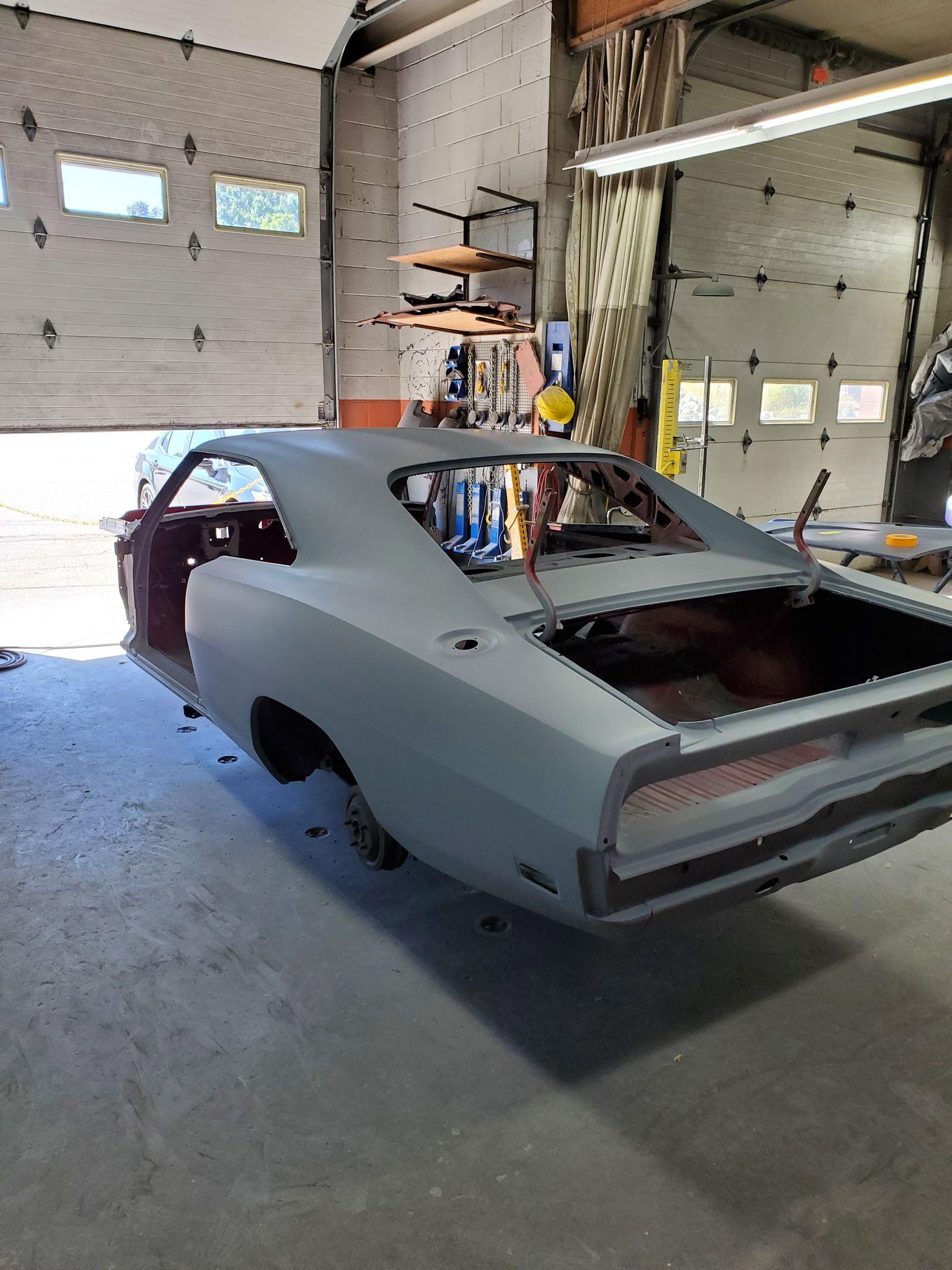
Good Morning, I'm sure this has been asked or attempted before. But I can not find a related post. Is anyone making complete General Lee Magnetic Decals for 69 Chargers? Has it been attempted? if so, did it end miserably with a rebel flag across the guys windshield behind you? I get that taking magnets off and on will scratch the paint.. I'm considering putting clear chip guard on first so that the magnetic decals can come off on and on. I'd even consider storing them on a spare roof and doors so that they retain their shape. Looking for some advice, I know this is not the ideal way to do this but with everything going on currently it might be my only option.. I would prefer painted on but that just isn't an option right now for me. Looking for some serious feedback as I am fortunate to finally get my car in for paint after 22 years, I just can't believe the turn of events taking place in this world right now is happening now that I finally am getting it in for paint.