Skip to content
View in the app

A better way to browse. Learn more.

Dukes of Hazzard Forums - HazzardNet.com

A full-screen app on your home screen with push notifications, badges and more.

To install this app on iOS and iPadOS
  1. Tap the Share icon in Safari
  2. Scroll the menu and tap Add to Home Screen.
  3. Tap Add in the top-right corner.
To install this app on Android
  1. Tap the 3-dot menu (⋮) in the top-right corner of the browser.
  2. Tap Add to Home screen or Install app.
  3. Confirm by tapping Install.

RHoughton

Member
  • Joined

  • Last visited

  1.    Roth Potter reacted to a post in a topic: PIcked this up at an Auto Auction
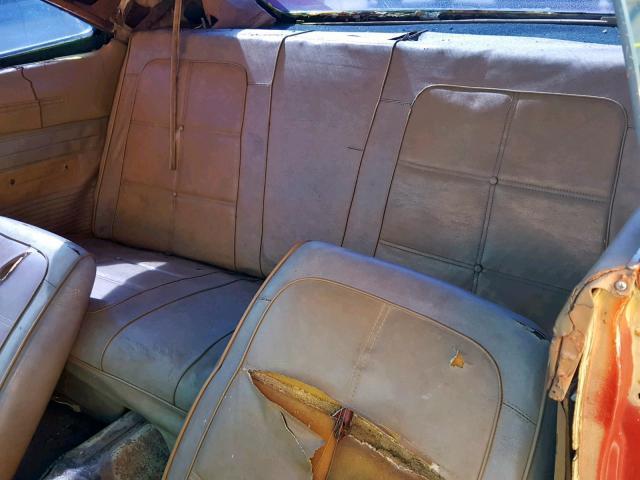
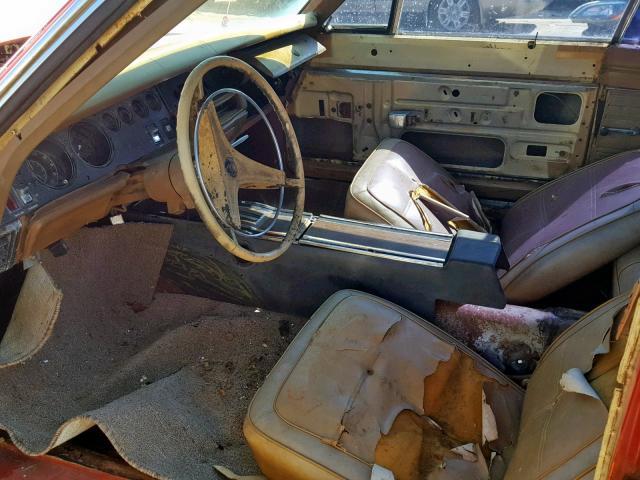
  2. Thank you for the replies. We are going to have the interior fixed and get it safe to drive. Should make a fun car to drive around town.
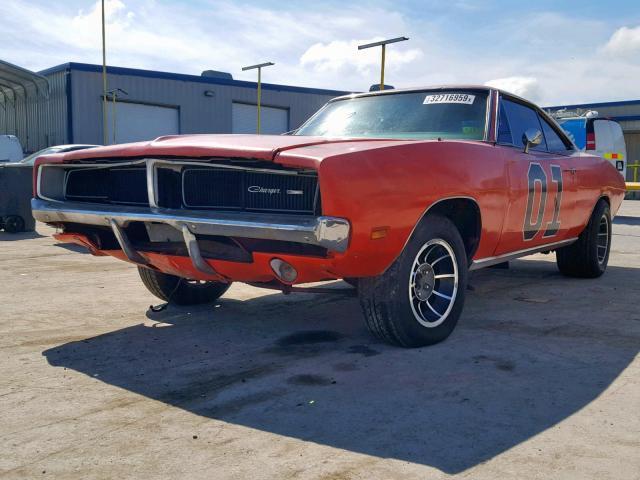
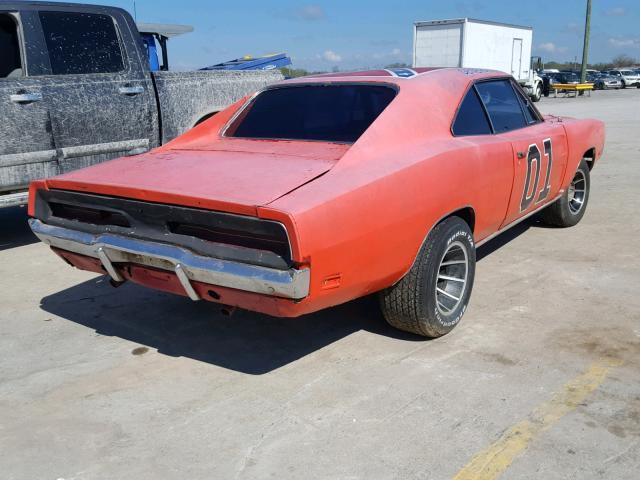
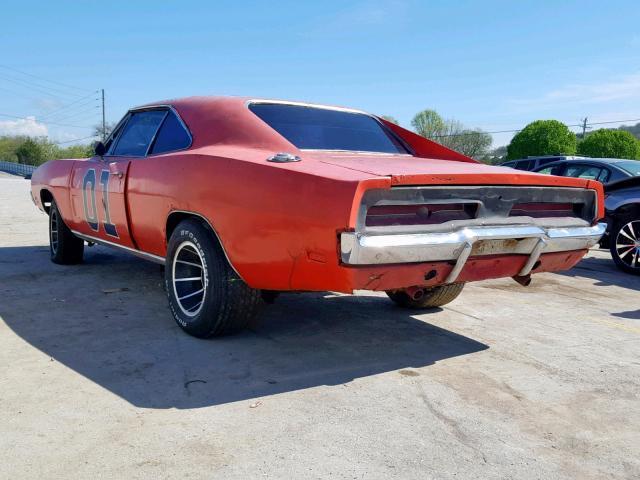
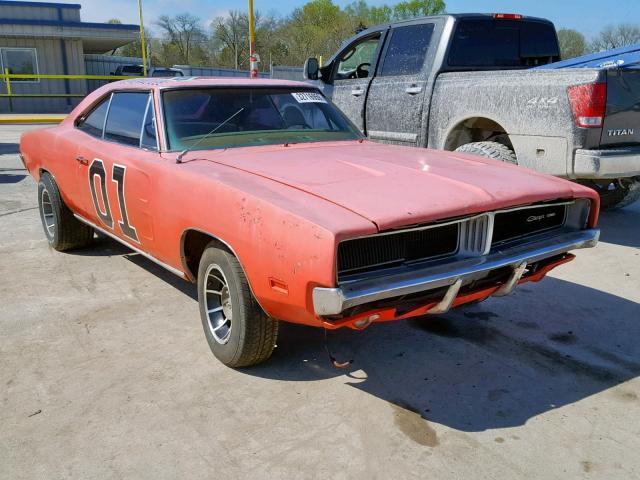
  3. Thank for the reply. The company i work for bought it at an Auction.(we are a semi truck salvage yard). Right now we are going to get it running and drive-able. I figured with the faded paint it looks to be an old clone or prop car for someone. I will keep you updated. once its running we will be selling it.
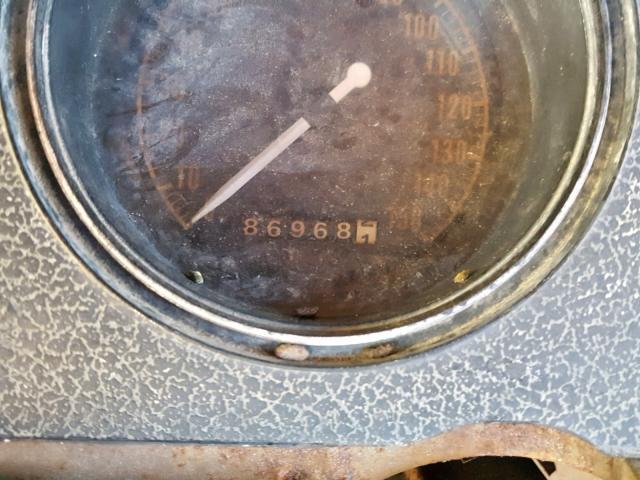
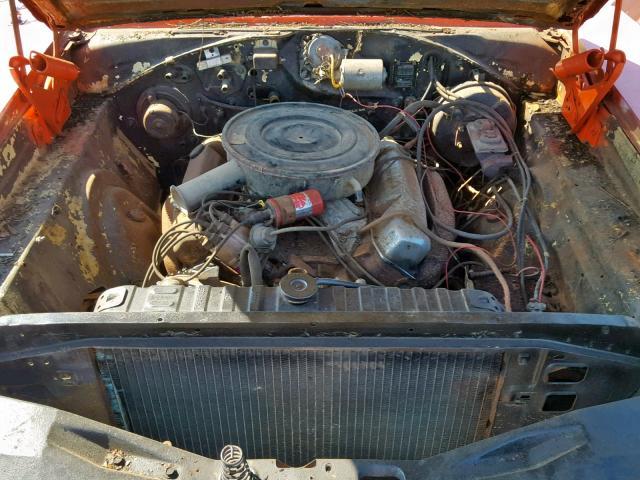
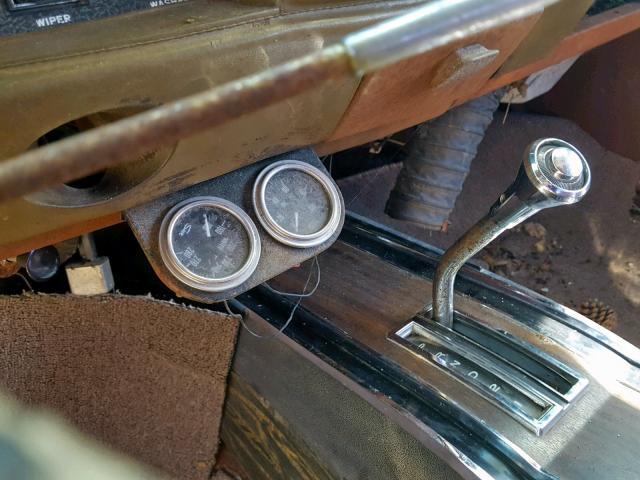
  4. We picked this up at an Auction and was wondering if theres a way to tell if it was a movie car or just a replica. i have attached pictures.
Account

Navigation

Search

Search

Configure browser push notifications

Chrome (Android)
  1. Tap the lock icon next to the address bar.
  2. Tap Permissions → Notifications.
  3. Adjust your preference.
Chrome (Desktop)
  1. Click the padlock icon in the address bar.
  2. Select Site settings.
  3. Find Notifications and adjust your preference.