



Skip to content
View in the app

A better way to browse. Learn more.

Dukes of Hazzard Forums - HazzardNet.com

A full-screen app on your home screen with push notifications, badges and more.

To install this app on iOS and iPadOS
  1. Tap the Share icon in Safari
  2. Scroll the menu and tap Add to Home Screen.
  3. Tap Add in the top-right corner.
To install this app on Android
  1. Tap the 3-dot menu (⋮) in the top-right corner of the browser.
  2. Tap Add to Home screen or Install app.
  3. Confirm by tapping Install.

dosge5522

Member
  • Joined

  • Last visited

Everything posted by dosge5522

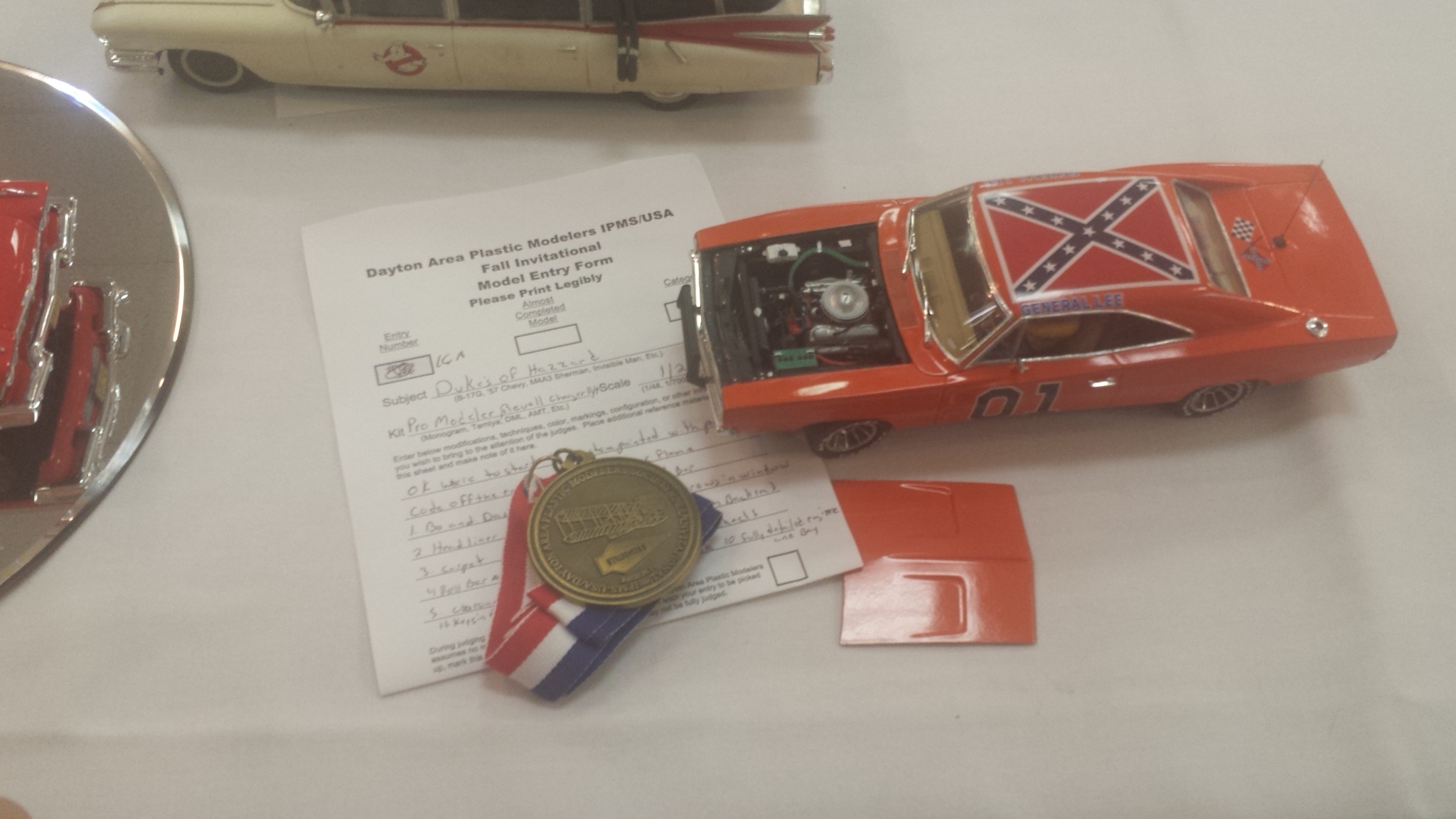
  1. I I am new here I been a dukes fan for years I have become disabled in the last year and trying to get my hands working again so I have had time to work on a few projects here the ar the duke farm and boars nest with working lights out side and a cooters garage I am working on with new one I am building but it's to big so I am going to make it smaller I am trying to load it say only allow a certain size can u help out any ideas

Account

Navigation

Search

Search

Configure browser push notifications

Chrome (Android)
  1. Tap the lock icon next to the address bar.
  2. Tap Permissions → Notifications.
  3. Adjust your preference.
Chrome (Desktop)
  1. Click the padlock icon in the address bar.
  2. Select Site settings.
  3. Find Notifications and adjust your preference.